Wordflow Temporal Course · Lessons
00 · Setup
Goal: get the Temporal Service, the web app, and the Temporal UI running, and find your way around the project.
What’s running
| Process | Command | Port | What it does |
|---|---|---|---|
| Temporal Service | make temporal | 7233, UI on 8233 | Stores Workflow state and hands out work. A dev server that keeps its data in .temporal/. |
| Web app and API | make server | 8080 | The game UI, the HTTP API, and fake external services. |
| Worker | make worker | Runs your Workflow and Activity code. You build it in Lesson 1. |
The Temporal Service never runs your code. It records what happened and puts tasks on a Task Queue. Your Worker polls that queue, runs the code, and reports back.
Project layout
| Path | Owner | What |
|---|---|---|
app/ | you | Everything you write: Workflows, Activities, the Worker, and the API functions that call Temporal. |
solutions/NN/ | course | The finished app/ after each lesson. |
internal/ | course | Game rules, puzzle storage, HTTP routing, fake services. You call these; you don’t change them. |
web/ | course | The browser app. |
puzzles/ | course | One JSON file per puzzle. |
course/ | course | These lessons. |
Build it
1. Start the Temporal Service
The Codespace installs the Temporal CLI. In a terminal:
make temporalLeave it running. Open the Ports tab and open port 8233 to see the Temporal UI.
2. Start the web app
In a second terminal:
make serverPort 8080 opens in your browser.
3. Look around
app/
  api/api.go          # one method per endpoint; all return ErrNotImplemented
  cmd/server/main.go  # starts the web app; you add a Temporal Client in Lesson 1
  cmd/worker/main.go  # you build the Worker in Lesson 1
internal/
  game/               # game rules: State, Player, Leaderboard
  puzzles/            # reads puzzles/*.json
  httpapi/            # routes, JSON, error mapping
  services/           # fake dictionary and feed
Open app/api/api.go. Each method is one endpoint and names the lesson that builds it. The HTTP layer in internal/httpapi decodes the request, calls your method, and turns its result or error into a response.
Skim internal/game/game.go. Its functions take the current time as an argument instead of calling time.Now(). You’ll see why in Lesson 1.
4. Useful commands
| Command | What |
|---|---|
make worker / make server | Run your code in app/. |
make worker S=05 | Run Lesson 5’s solution. |
make build | Compile and vet everything. |
make clean-workflows | Terminate every running Workflow. |
make reset-temporal | Delete all Temporal data (stop make temporal first). |
temporal workflow list | List Workflows from the terminal. |
Check it
-
The Temporal UI opens on port 8233 and shows the
defaultnamespace with no Workflows.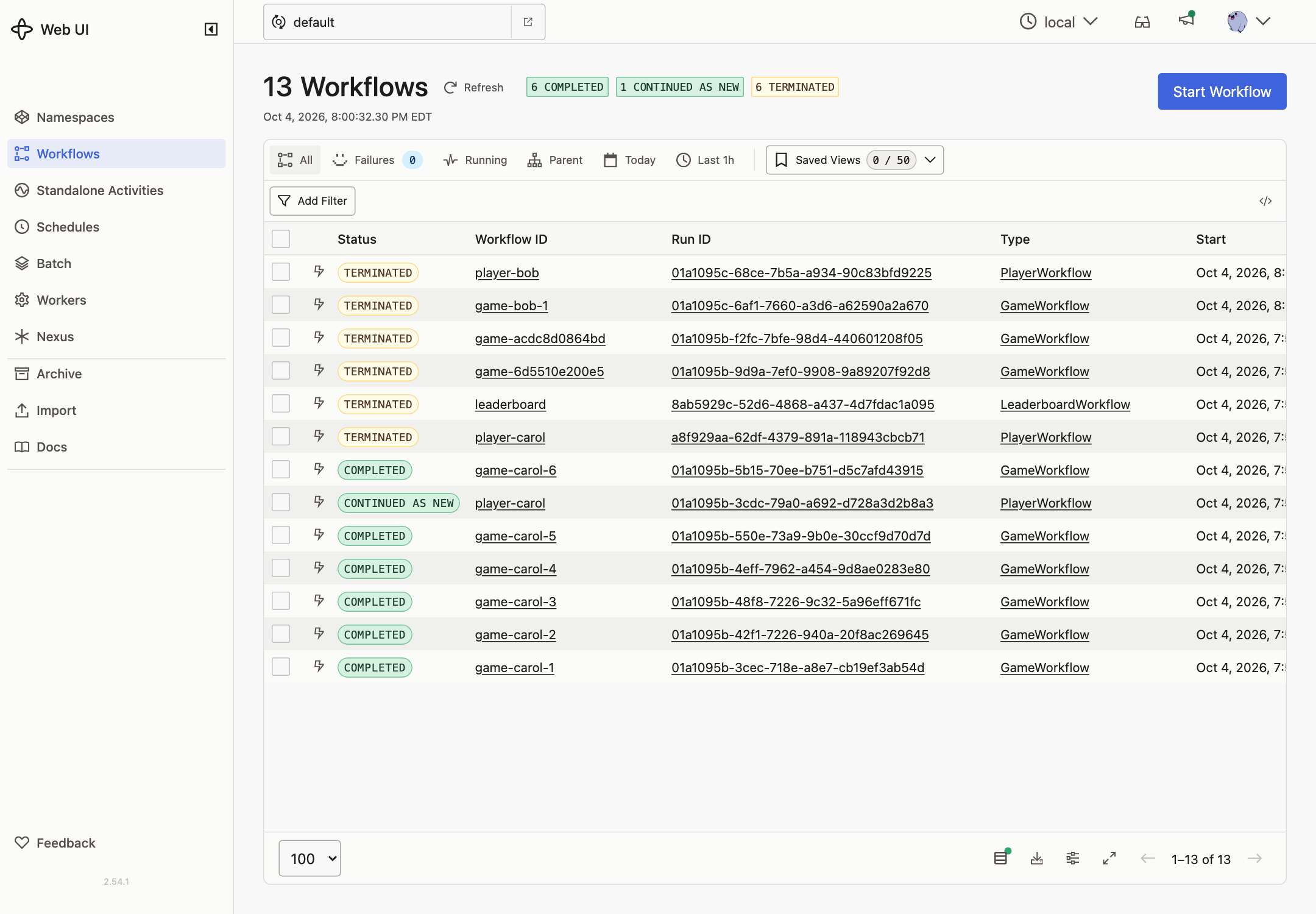
-
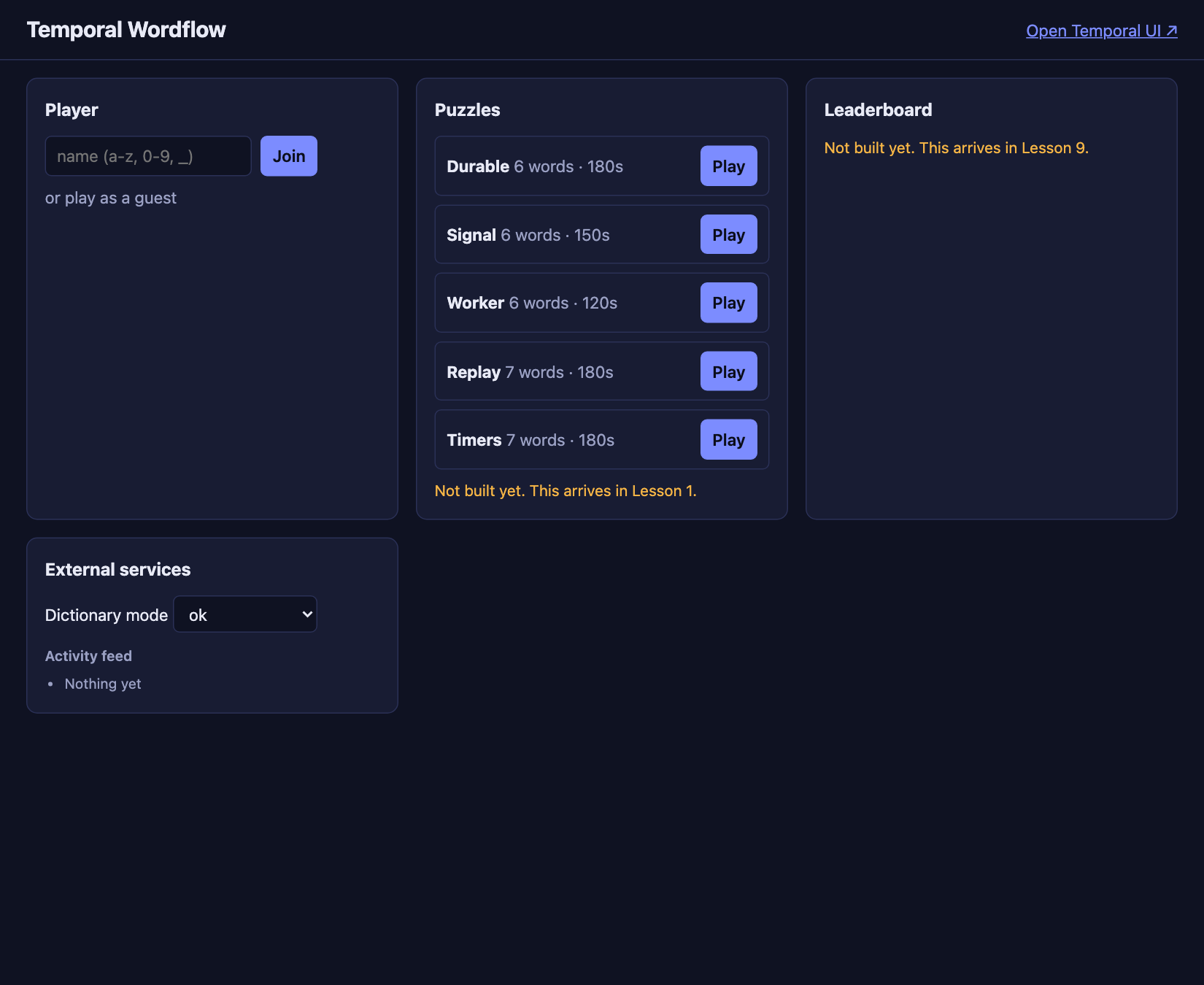
The web app opens on port 8080 and lists five puzzles.
-
Clicking a puzzle shows Not built yet. This arrives in Lesson 1.
-
The External services panel shows the dictionary mode and an empty feed.
Working through the course
- Keep three terminals open:
make temporal,make server, andmake worker. - Restart the Worker after changing Workflow or Activity code. Restart the server after changing API code.
- Games from earlier lessons keep running with the code they started on. If the Worker logs errors about old Workflows, end them with
make clean-workflows. Lesson 12 explains why this happens. - To compare with the finished code, run
make worker S=NNandmake server S=NN. make reset-temporal(withmake temporalstopped) deletes every Workflow and starts fresh.- The course site starts with the Codespace. If it isn’t on port 8000, run
make course.